Chain Construction / INSTALLATION JOURNAL
AV racks & network connections
If your home came with a cabinet full of equipment that you rarely use, we can inspect the system and explain your options. We review the devices and connections, identify what can be retained and propose repairs or upgrades around your priorities and budget. Cable organization and simpler controls can make the system easier to use and maintain.
Discuss a similar projectPaying for a faster internet plan does not by itself resolve every connection problem inside a property. We inspect the existing network, cabling and Wi-Fi setup, then recommend changes based on the cause of the problem and how you use the space. The goal is dependable connectivity for the devices you actually rely on.
Thinking about a personal media archive?
We can plan and install a home storage server for your photo and video library, with access from compatible devices and protected remote access when you travel. Storage capacity, backup arrangements and remote access are selected around your needs. The server can become your personal home cloud, with a backup plan designed separately from day-to-day storage.
The photographs below document AV and network equipment.
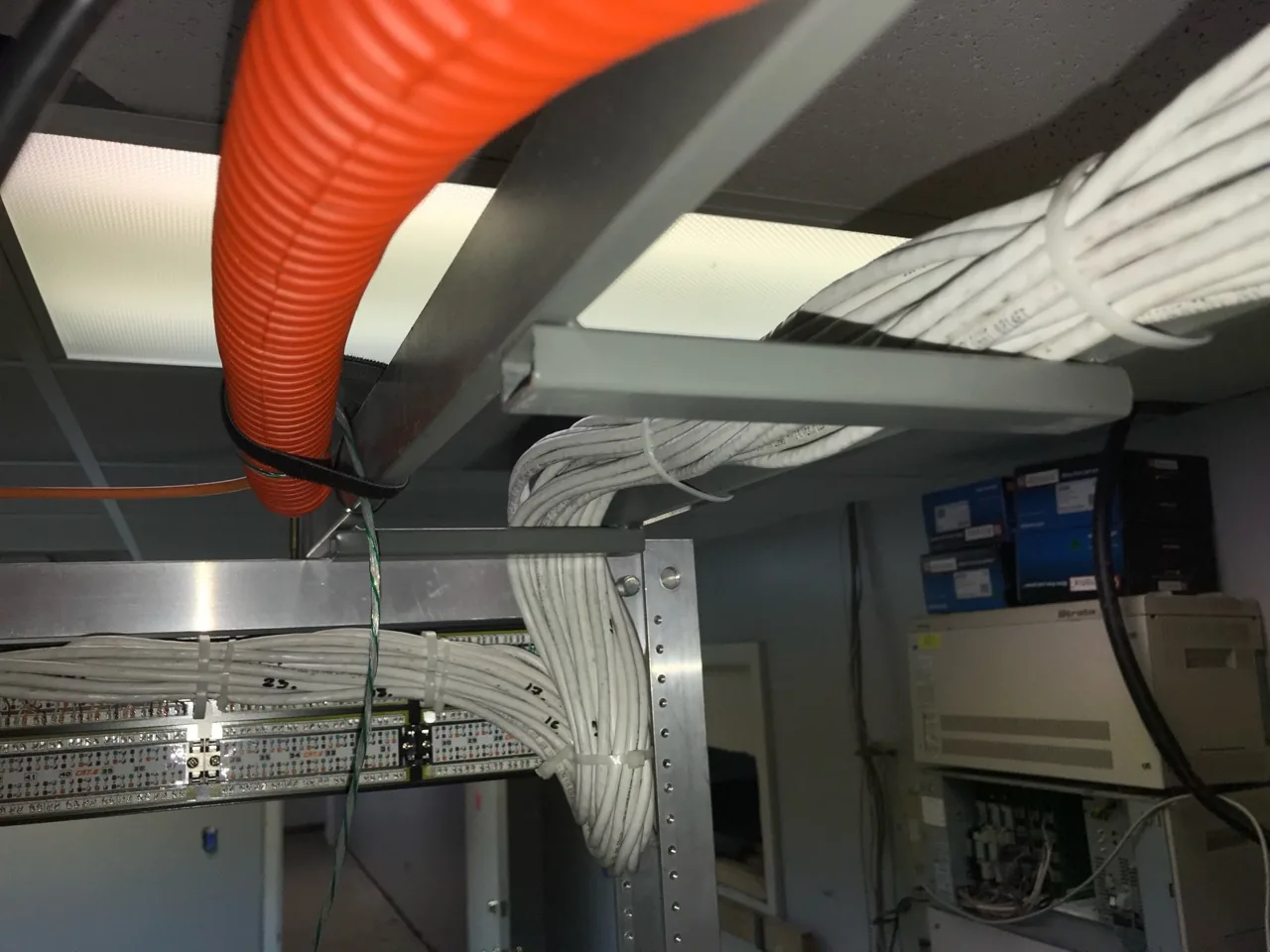
01 / Cable routing detail
Organized cable routing into an equipment rack
Bundled cables follow an overhead support route into the rear of a patch panel. This wiring detail shows how structured cabling can be arranged around the rack, making individual runs easier to trace during maintenance and equipment changes.
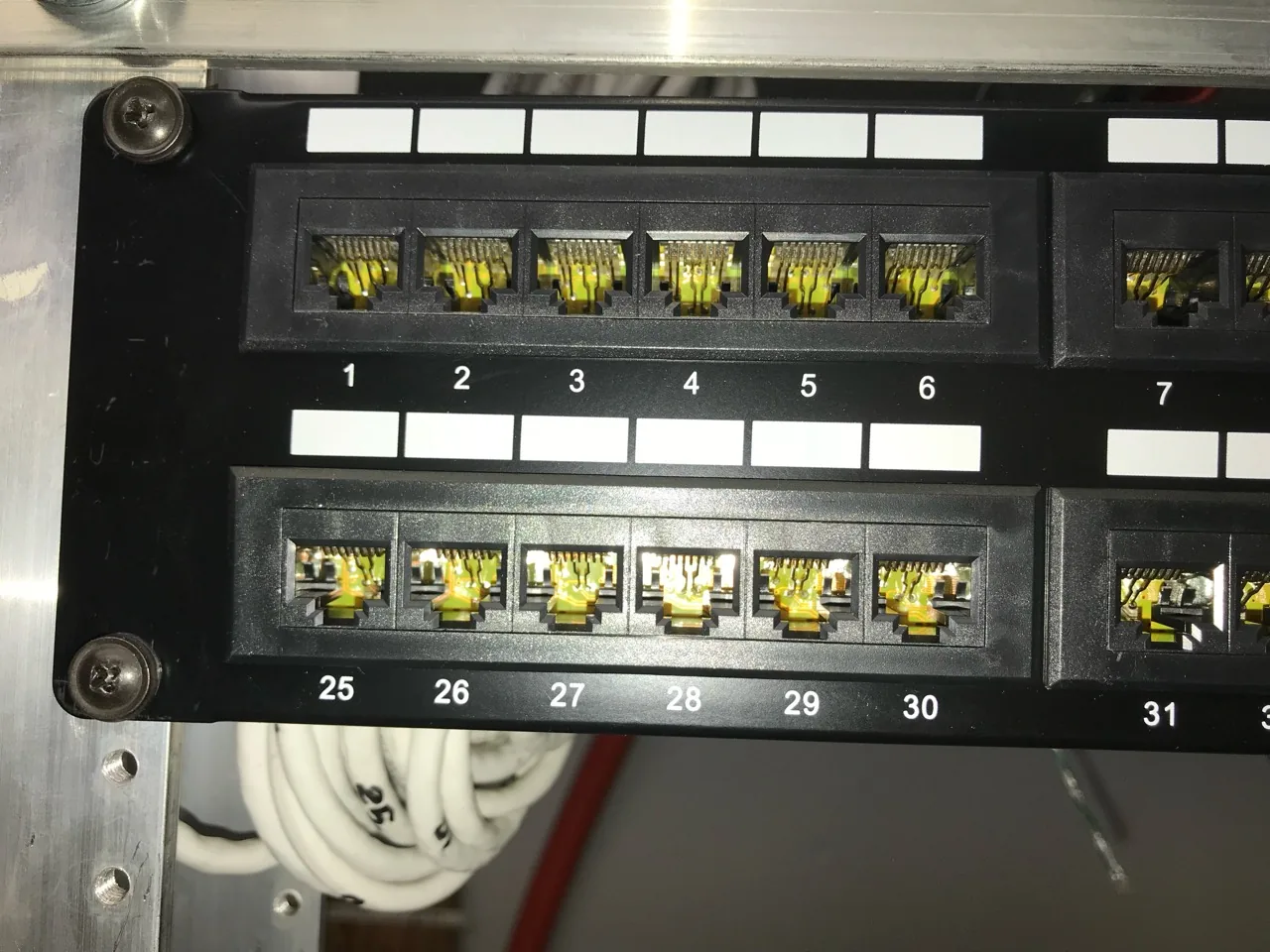
02 / Inspection detail
Close inspection of network patch panel ports
A close view shows the numbered ports of a network patch panel. The image supports the inspection stage of rack work, when connections and their condition are reviewed before patch cables and equipment are reorganized.
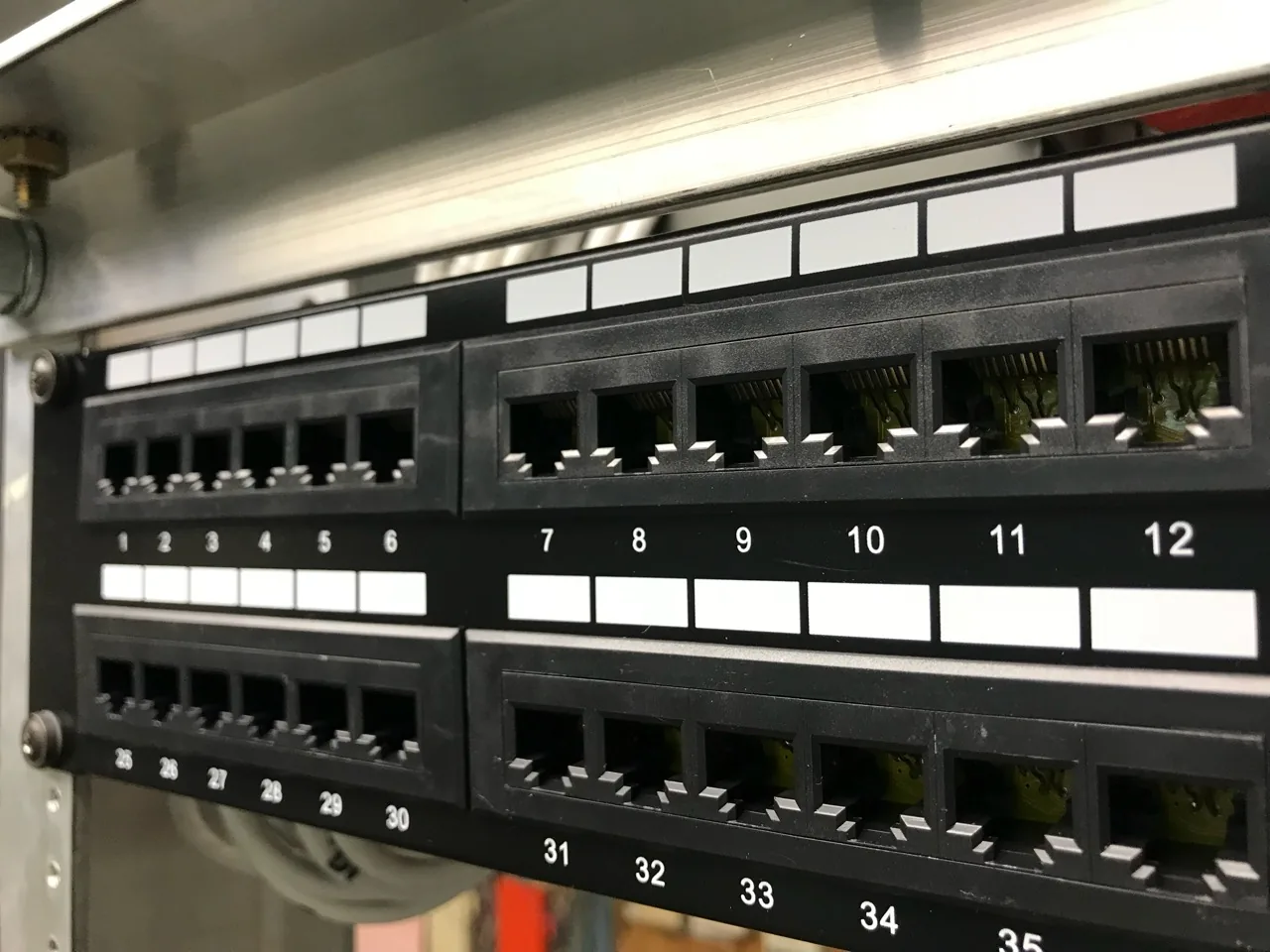
03 / Equipment detail
Patch panel layout for structured cabling
The front of the patch panel shows rows of numbered connection points and spaces for labels. This rack detail illustrates where building cable runs connect to patch leads serving network equipment.
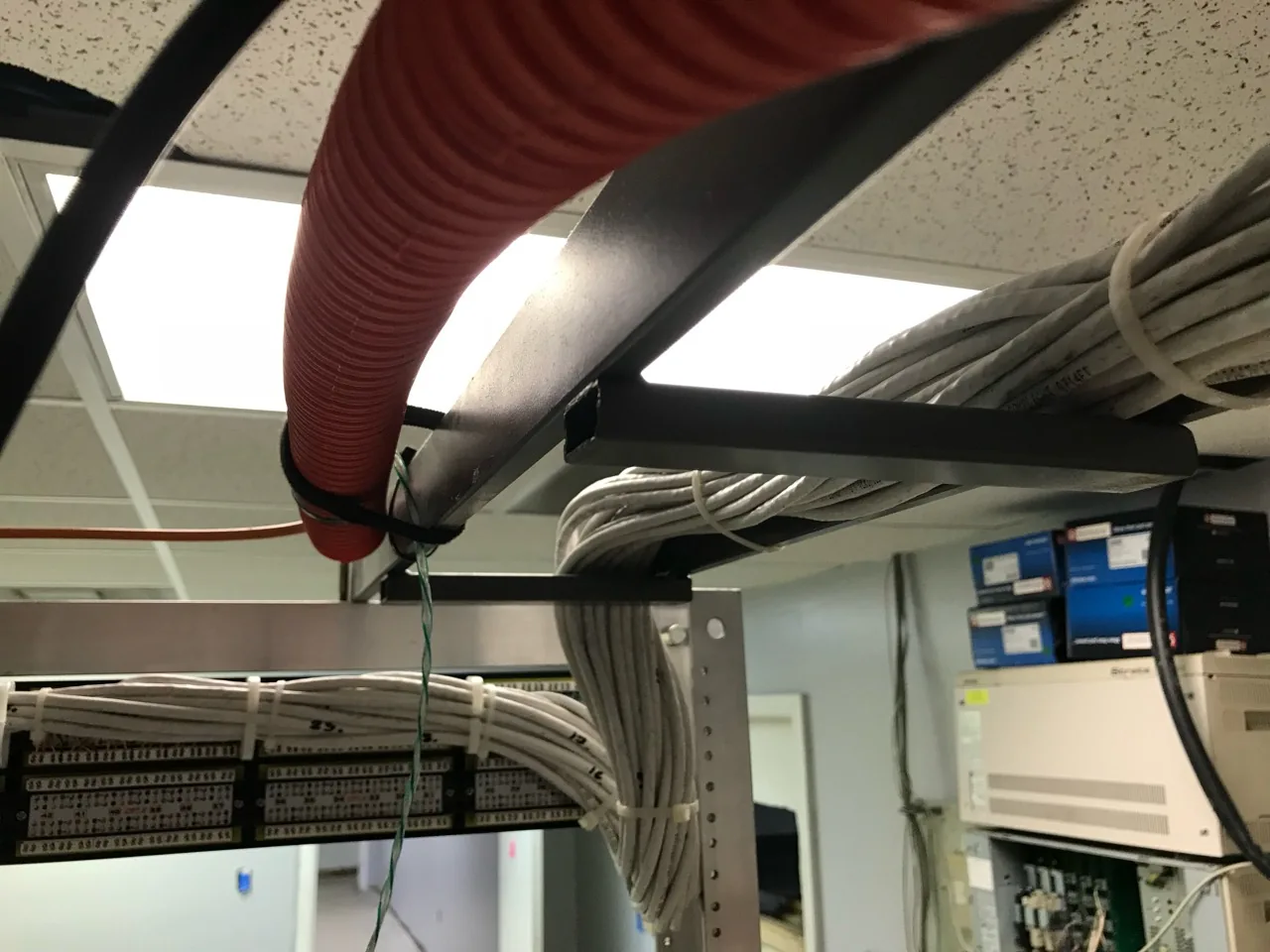
04 / Cable routing detail
Rear cable organization at the patch panel
This wider rear view shows cable bundles following the support structure into the patch panel. It records the routing behind the rack, an area that matters when tracing circuits or planning future equipment changes.
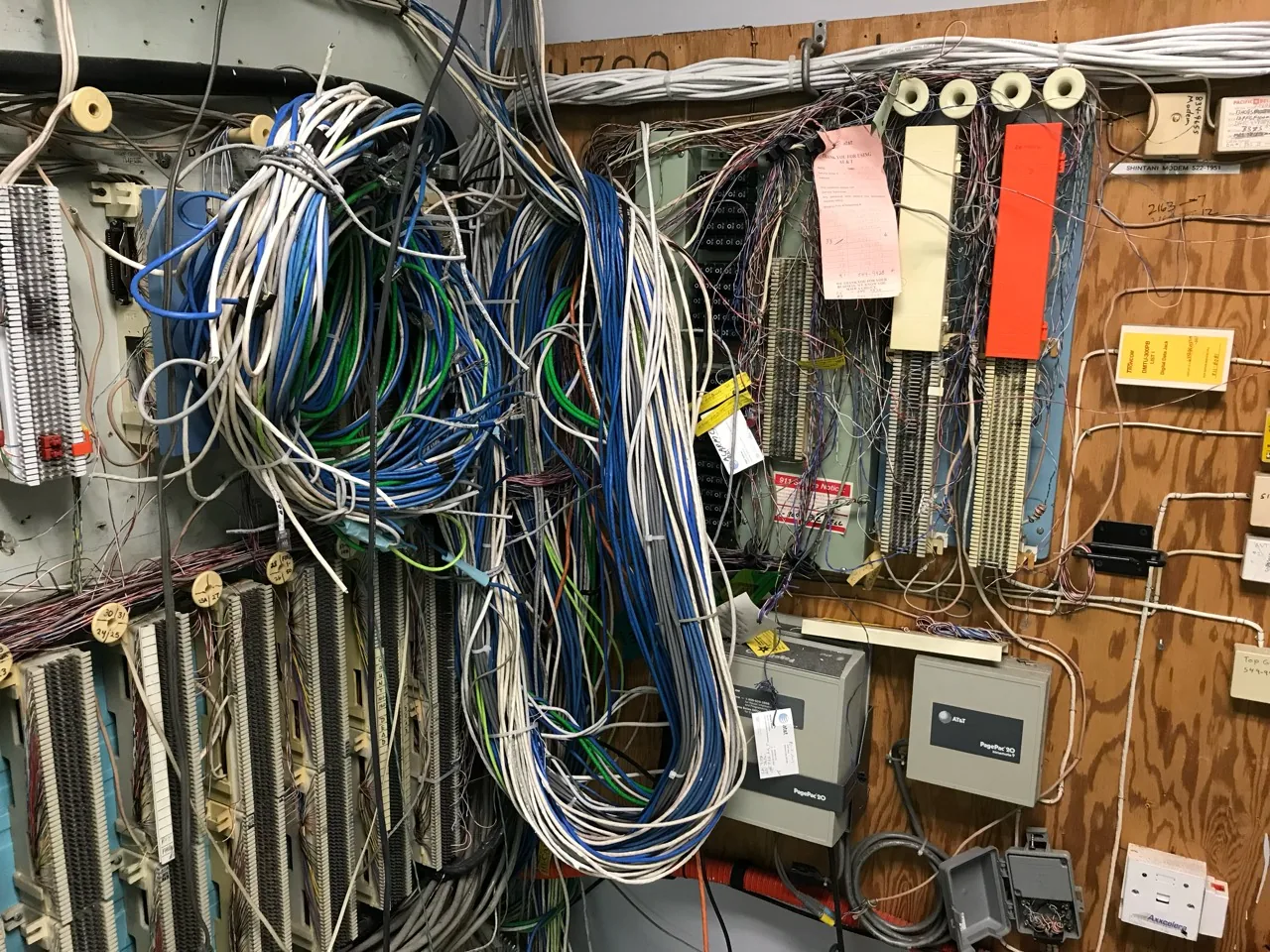
05 / Existing system assessment
Assessing legacy communications wiring
Dense bundles of existing cable surround older telephone and communications equipment. We inspect systems like this to identify active connections, understand what still serves the property and propose a practical plan for cleanup or modernization.
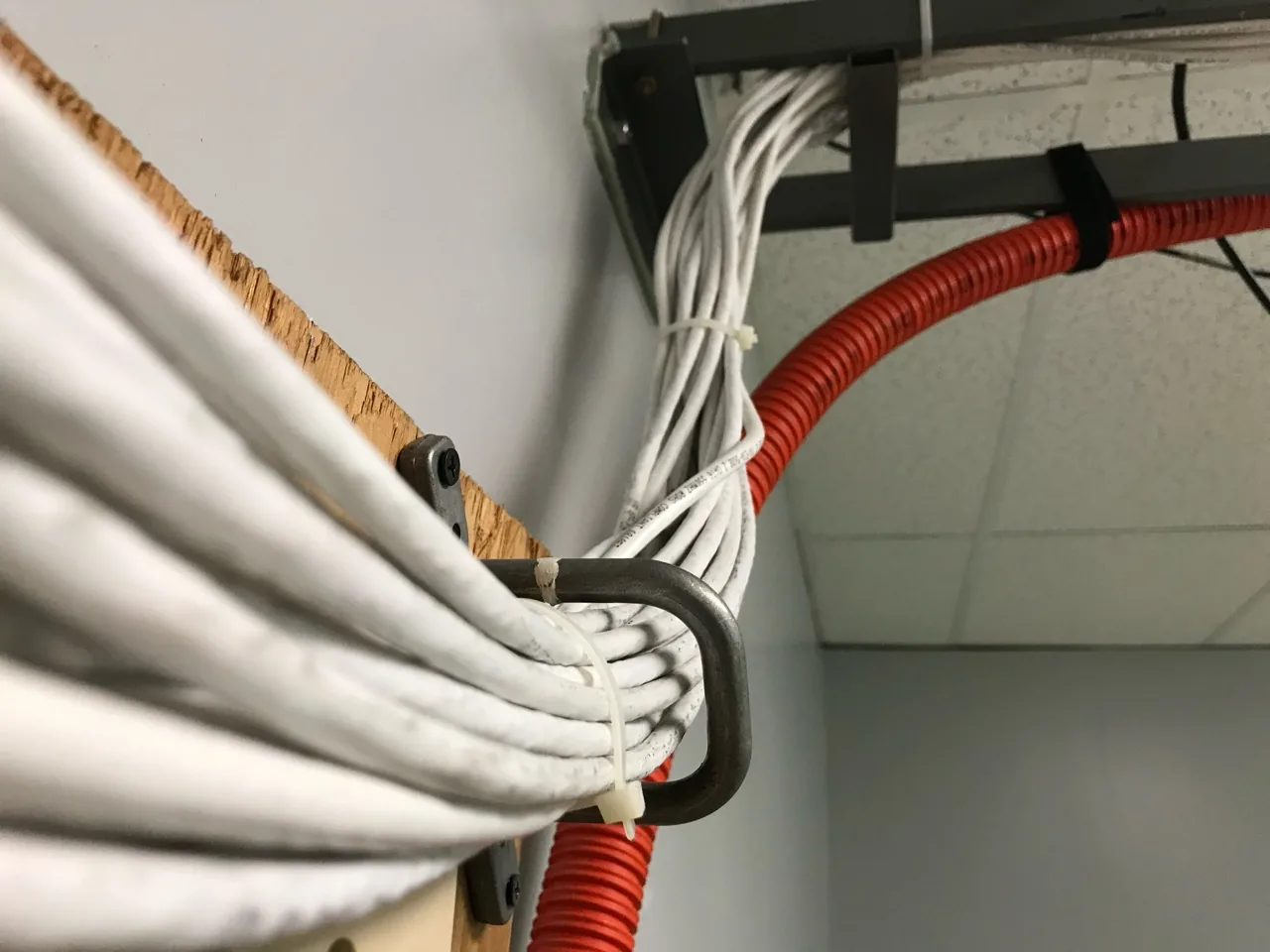
06 / Cable routing detail
Cable supports along an equipment room wall
White cable bundles are supported along the wall and routed toward the overhead cable path. This installation detail shows the physical organization of the wiring between the building and the equipment area.
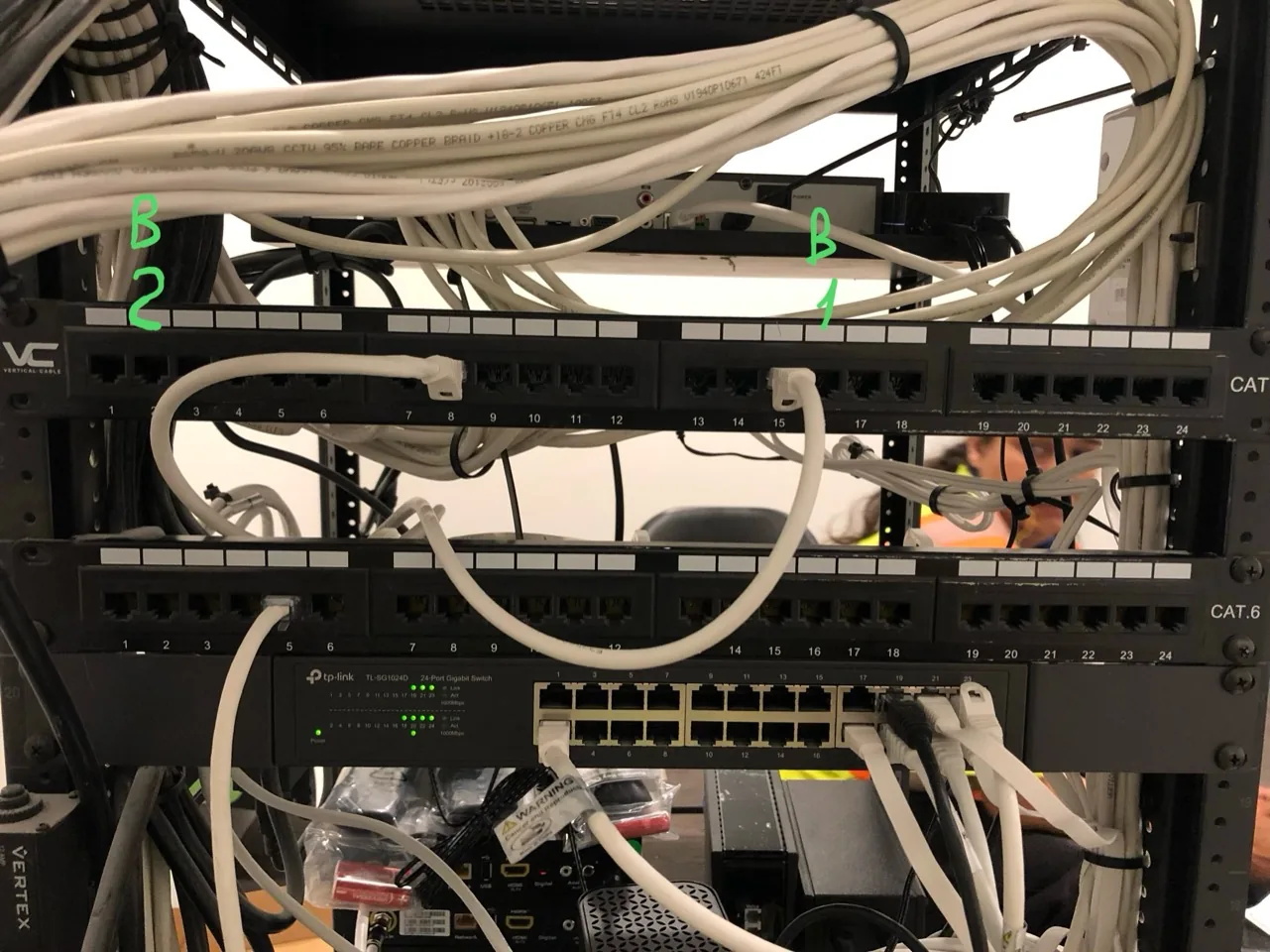
07 / Rack inspection detail
Network connections within an AV rack
Patch panels and a network switch share the rack with audiovisual equipment. The close view records how the network and entertainment devices are interconnected, providing a starting point for tracing connections and reviewing the rack layout.
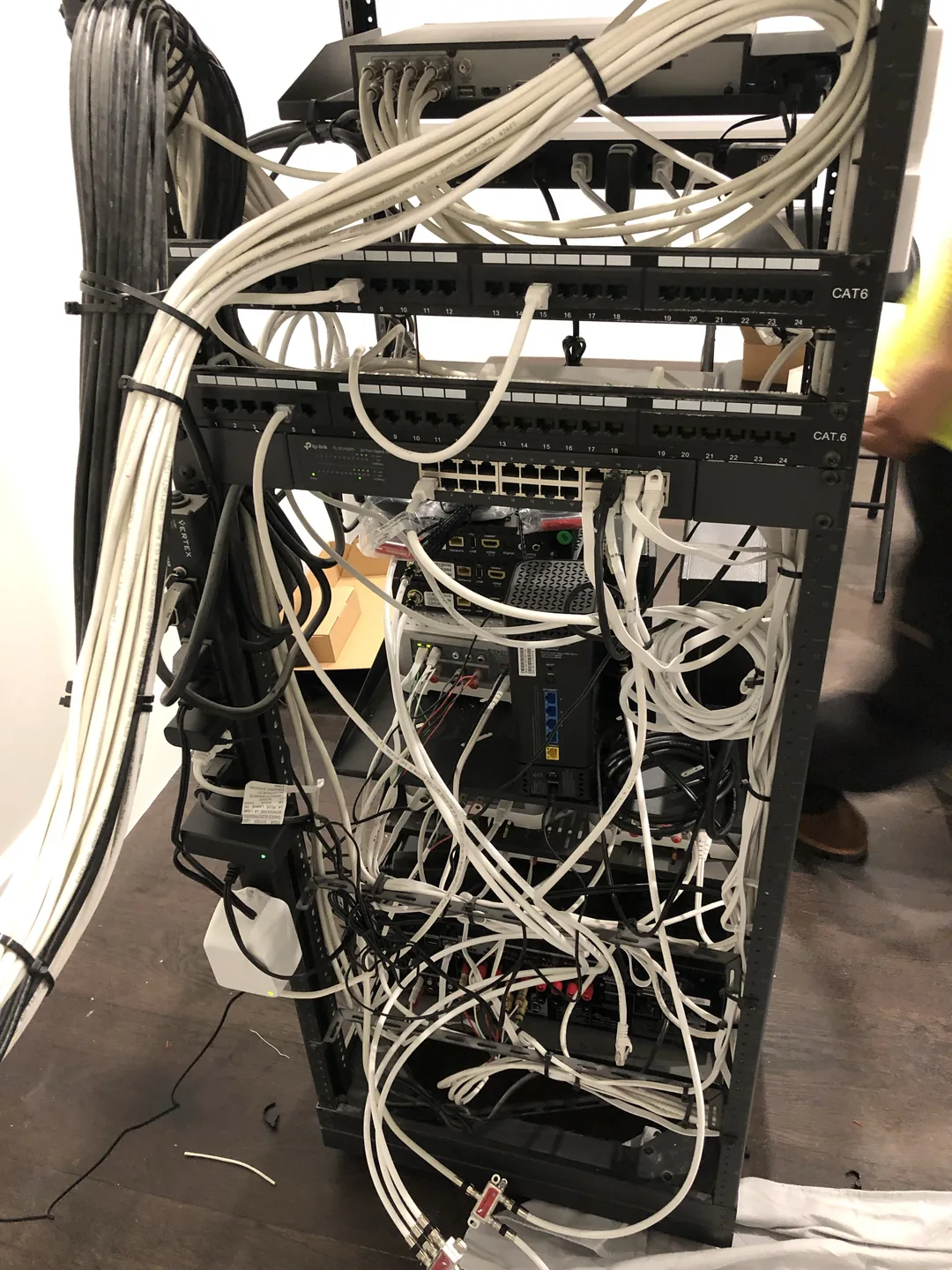
08 / Existing system assessment
Reviewing an equipment rack with crowded wiring
The rear of this equipment rack contains numerous power, network and AV connections. An inspection helps map the devices and cable runs before proposing changes, whether the priority is restoring existing functions, replacing selected equipment or freeing space.
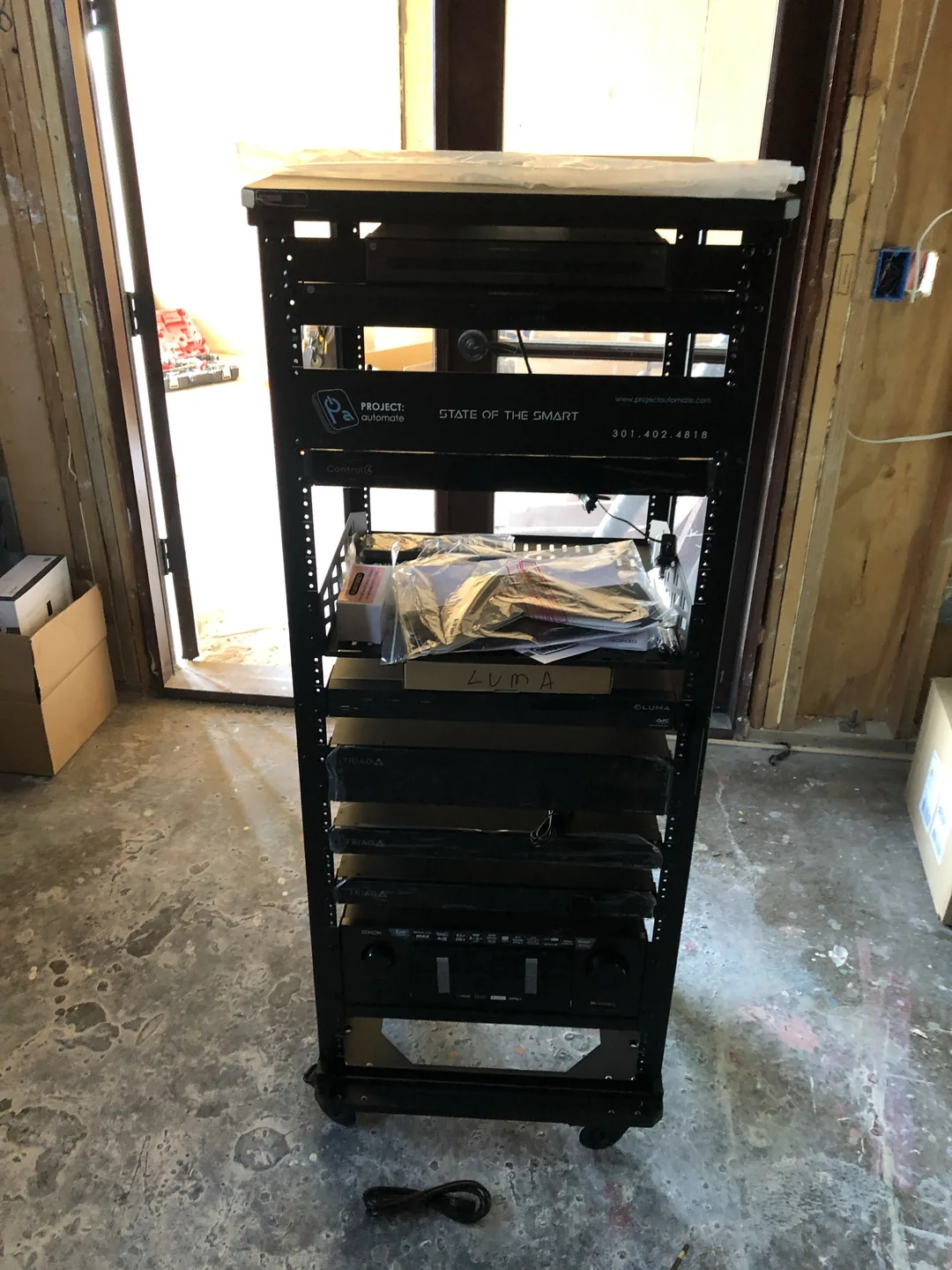
09 / Work in progress
AV equipment rack during construction
A mobile equipment rack contains home technology components in a room under construction. This view records the rack arrangement and available shelf space while the surrounding building work is still underway.
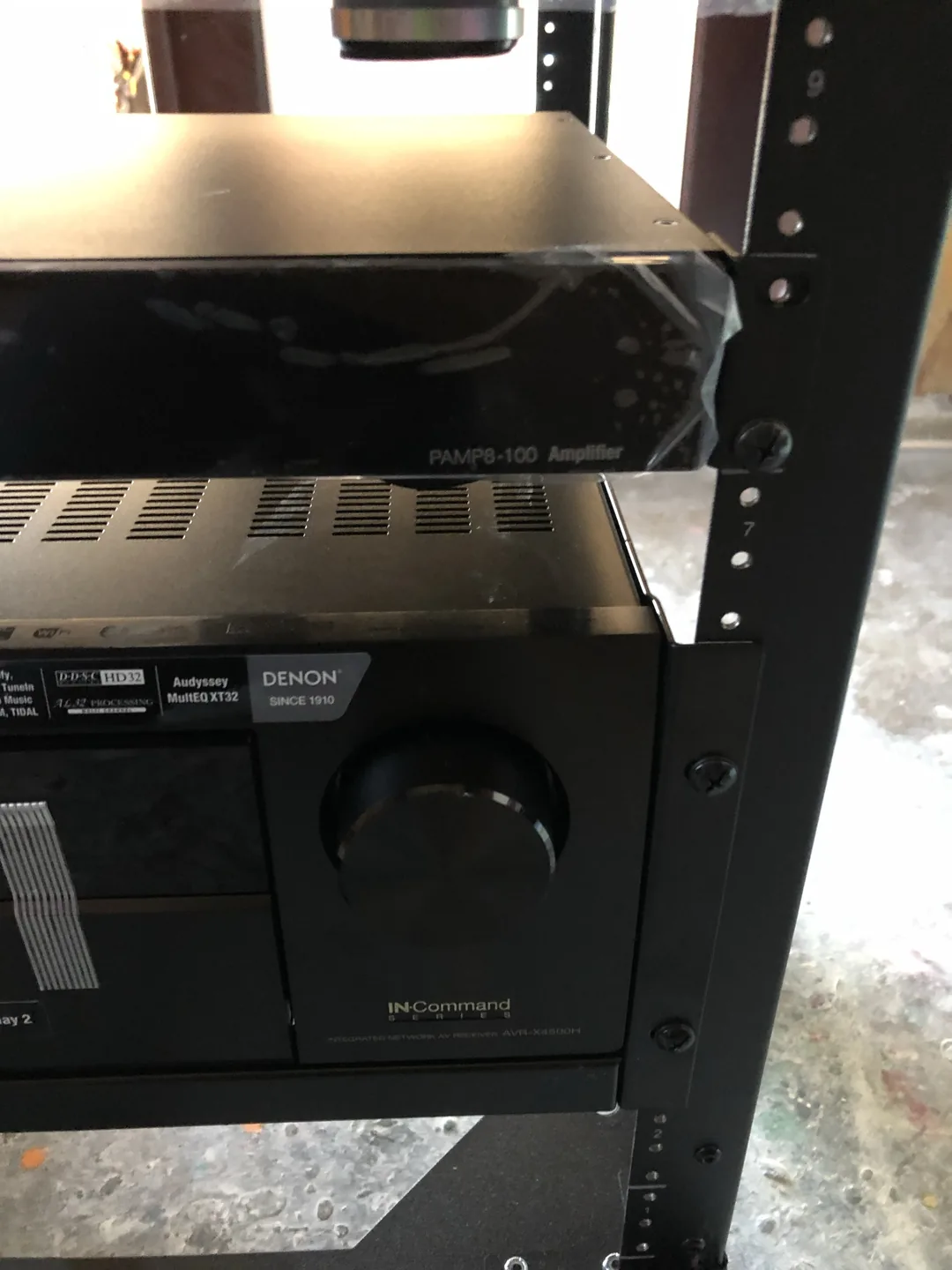
10 / Equipment detail
Amplifier and receiver inside an AV rack
A close view shows an amplifier and Denon receiver mounted within the equipment rack. Identifying components is part of reviewing an existing audio system and deciding which equipment can remain in service during an upgrade.
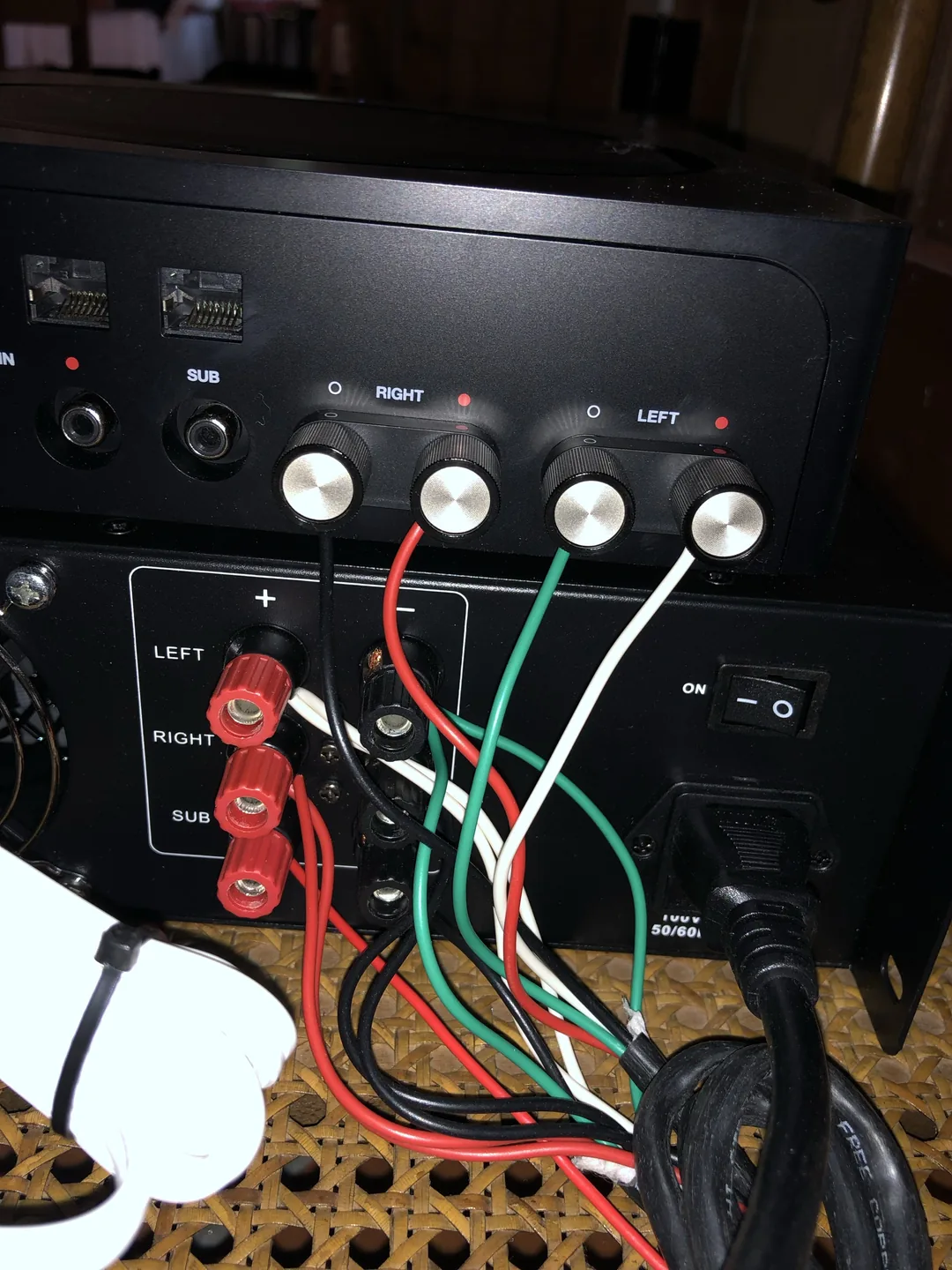
11 / Audio connection detail
Tracing speaker connections in an audio system
The rear connections of audio equipment are visible during an inspection. Tracing speaker cables and identifying their destinations is part of understanding an existing sound system before reconnecting or updating its components.
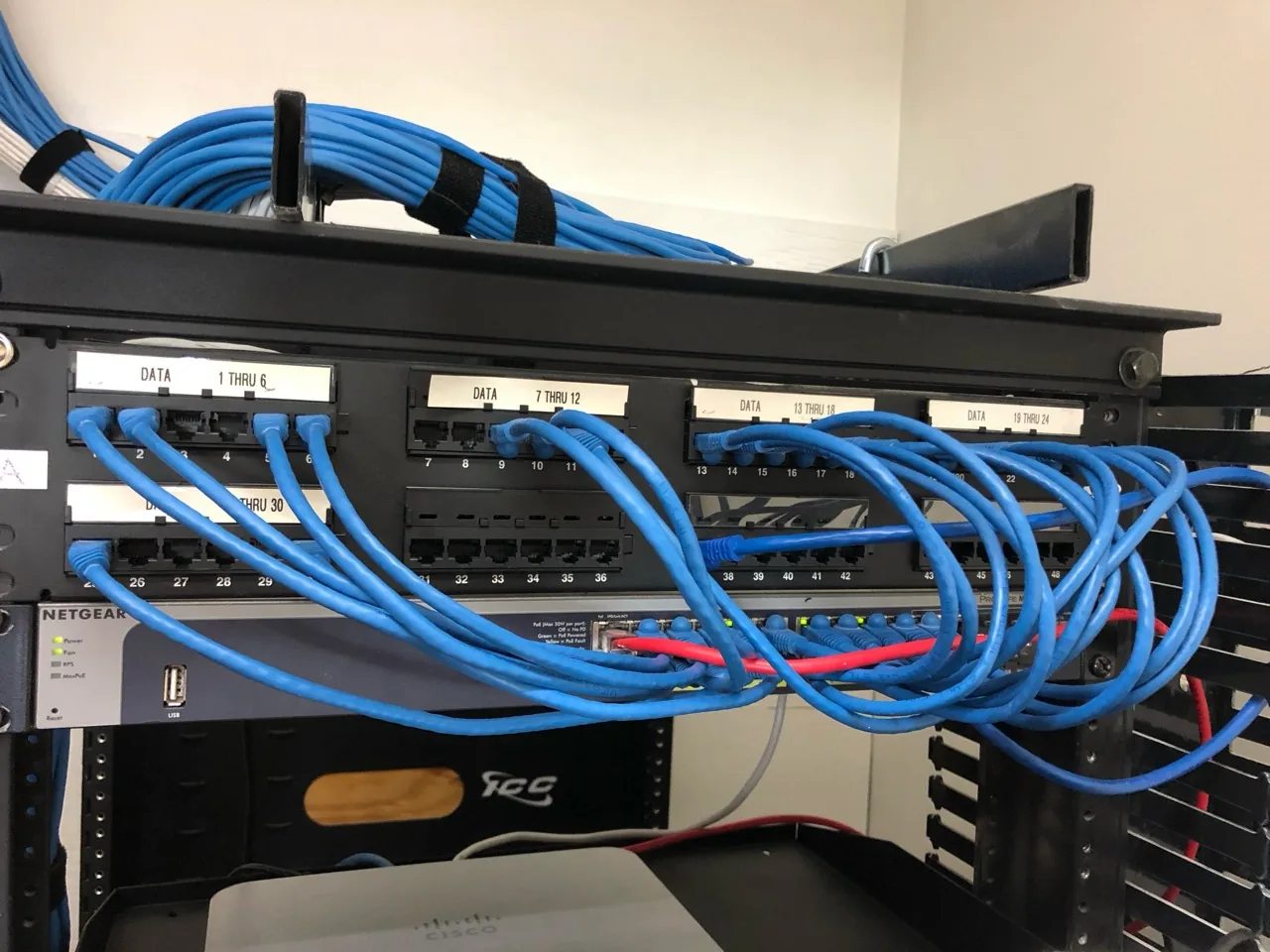
12 / Network installation detail
Network rack with labeled data connections
Blue patch cables connect the building's data panel to a network switch. The labeled connection groups show how the rack brings network cabling together for inspection, troubleshooting and equipment changes.
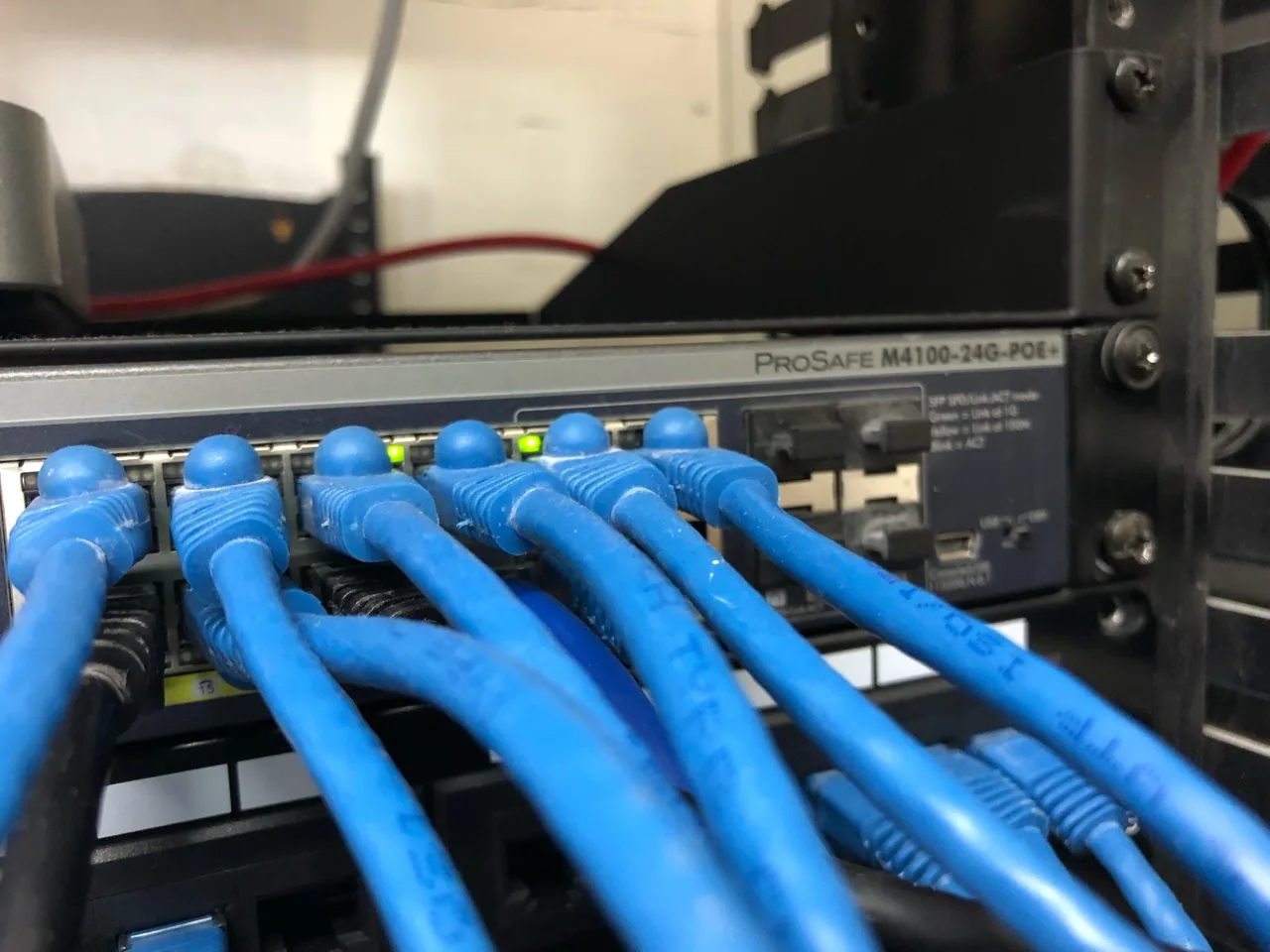
13 / Network inspection detail
Inspecting connections at a network switch
A close view shows connected network cables and port indicators on a Netgear switch. Checking the physical connections is one part of diagnosing slow or unreliable connectivity before recommending changes to the home or office network.
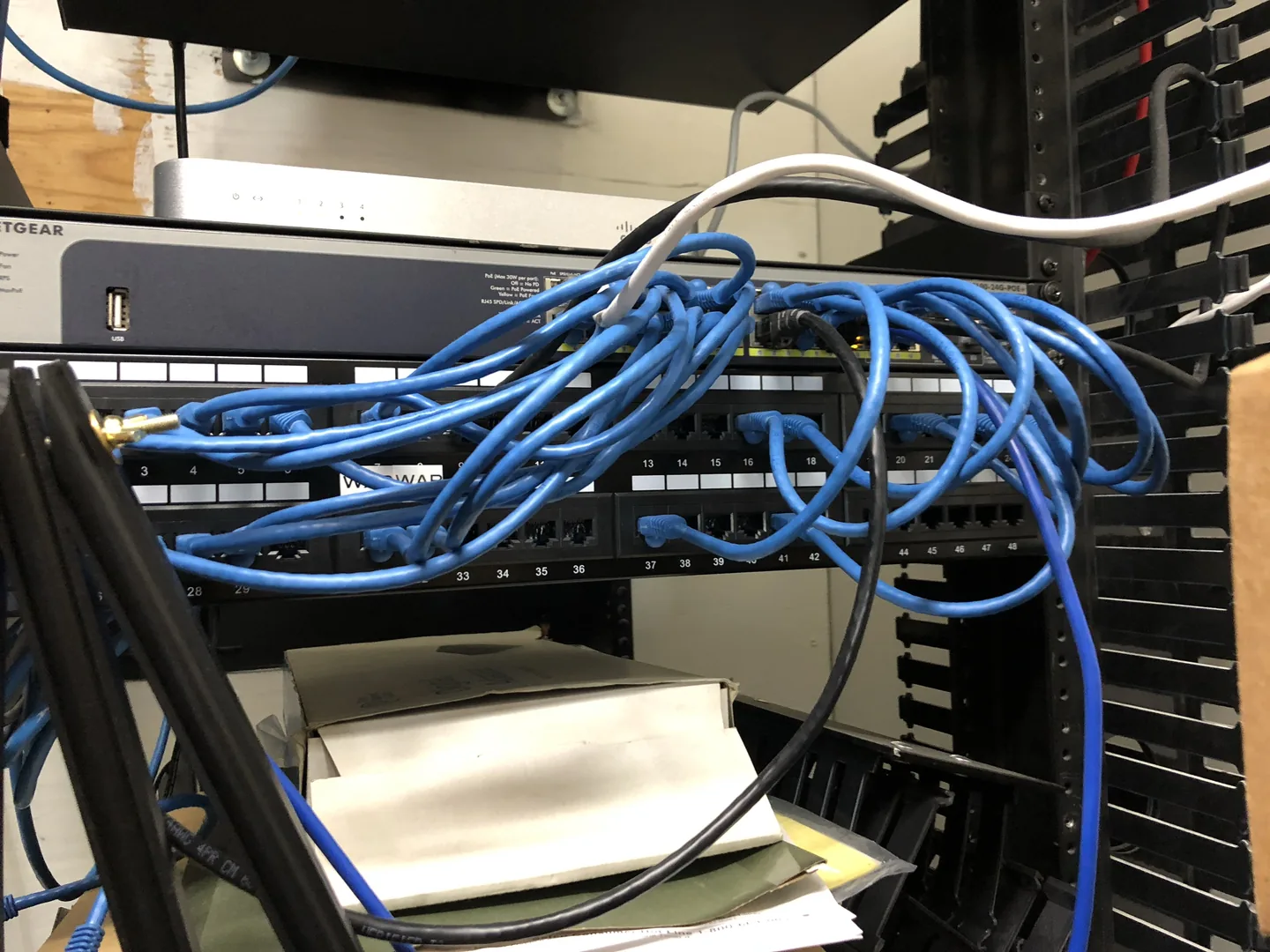
14 / Existing network assessment
Reviewing network equipment in an existing rack
This wider view records the patch panel, network switch and connected cables inside the equipment rack. Reviewing the current layout helps plan access, cable organization and any equipment changes needed for the property's network.
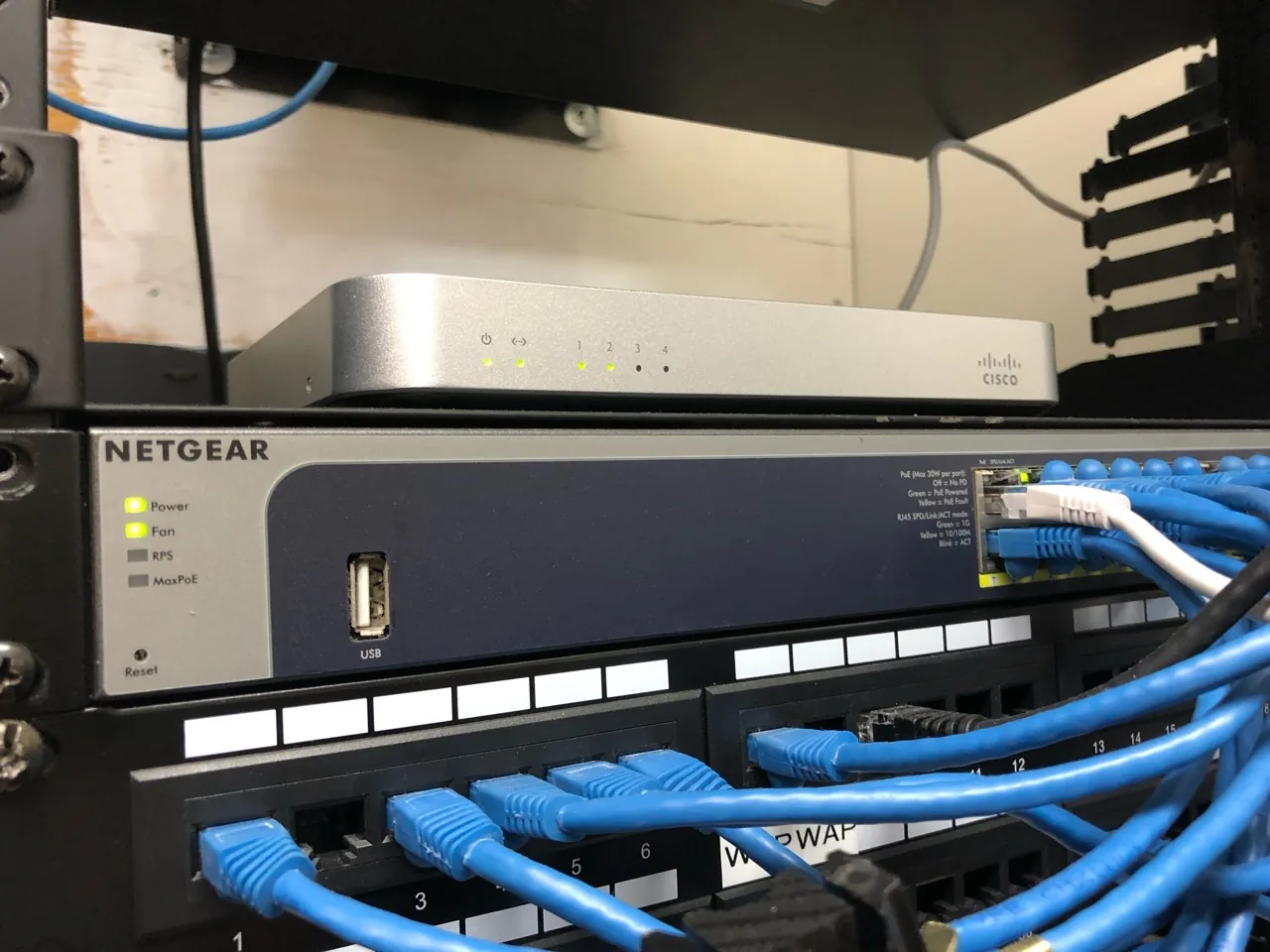
15 / Equipment detail
Cisco and Netgear equipment in a network rack
Cisco and Netgear devices sit above the network patch panel. Documenting the installed equipment helps establish what is already in place before assessing connectivity issues and selecting an appropriate upgrade path.
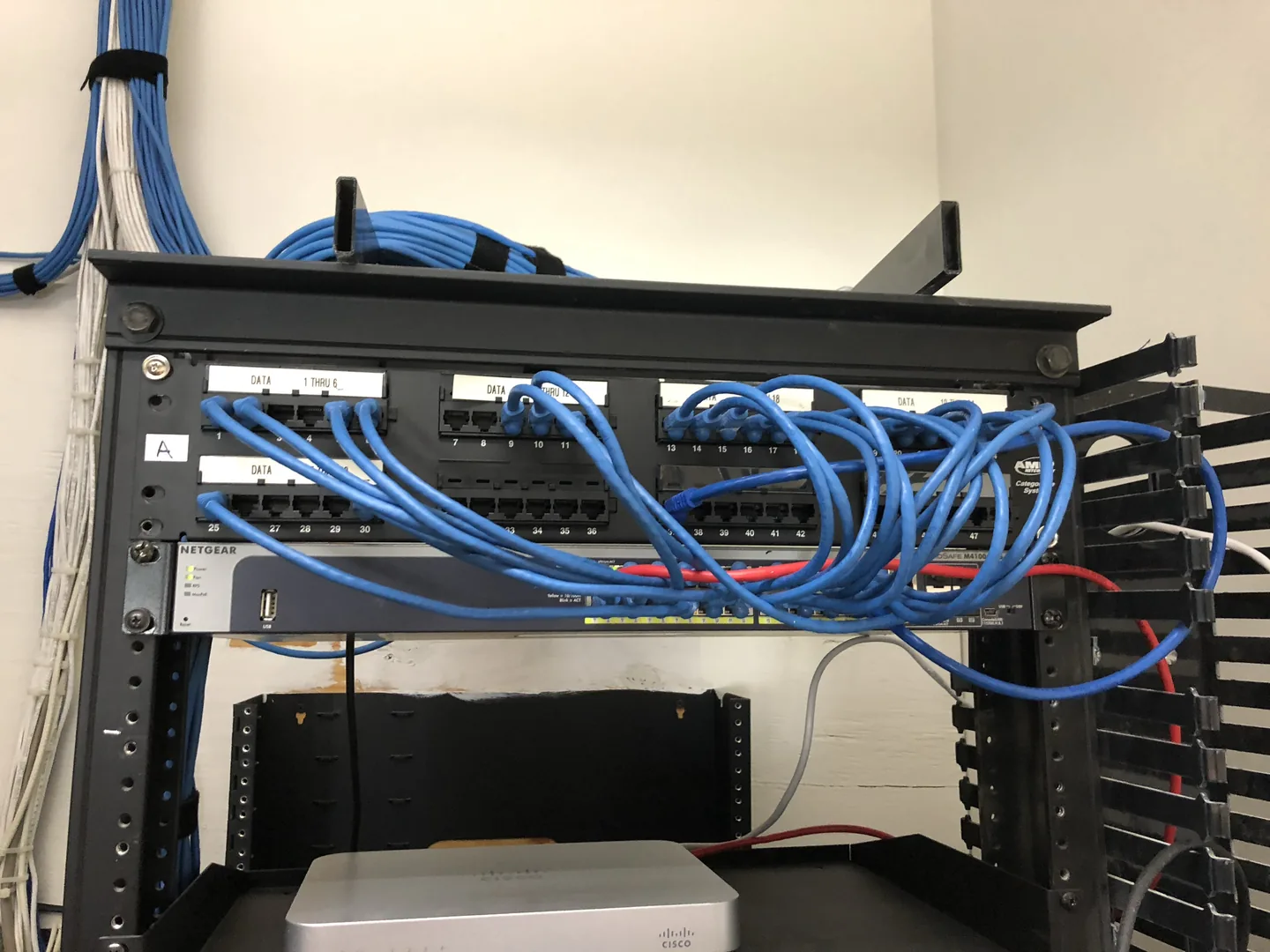
16 / Network installation detail
Overview of structured network connections
The network rack brings labeled data connections and patch cables together at a central point. This overview complements the equipment close-ups and helps explain the cabling behind internet access, connected devices and home technology systems.
Let’s plan your next step.
Send a room overview, your ZIP code and what you would like to change. We will review the scope with you.
Tell us about your projectBrowse all work examplesPart of a bigger project?
Complete the room around your TV.
Explore more home services from Chain Construction.
 Accent wallsA feature wall that frames your TV.Visit Accent Walls
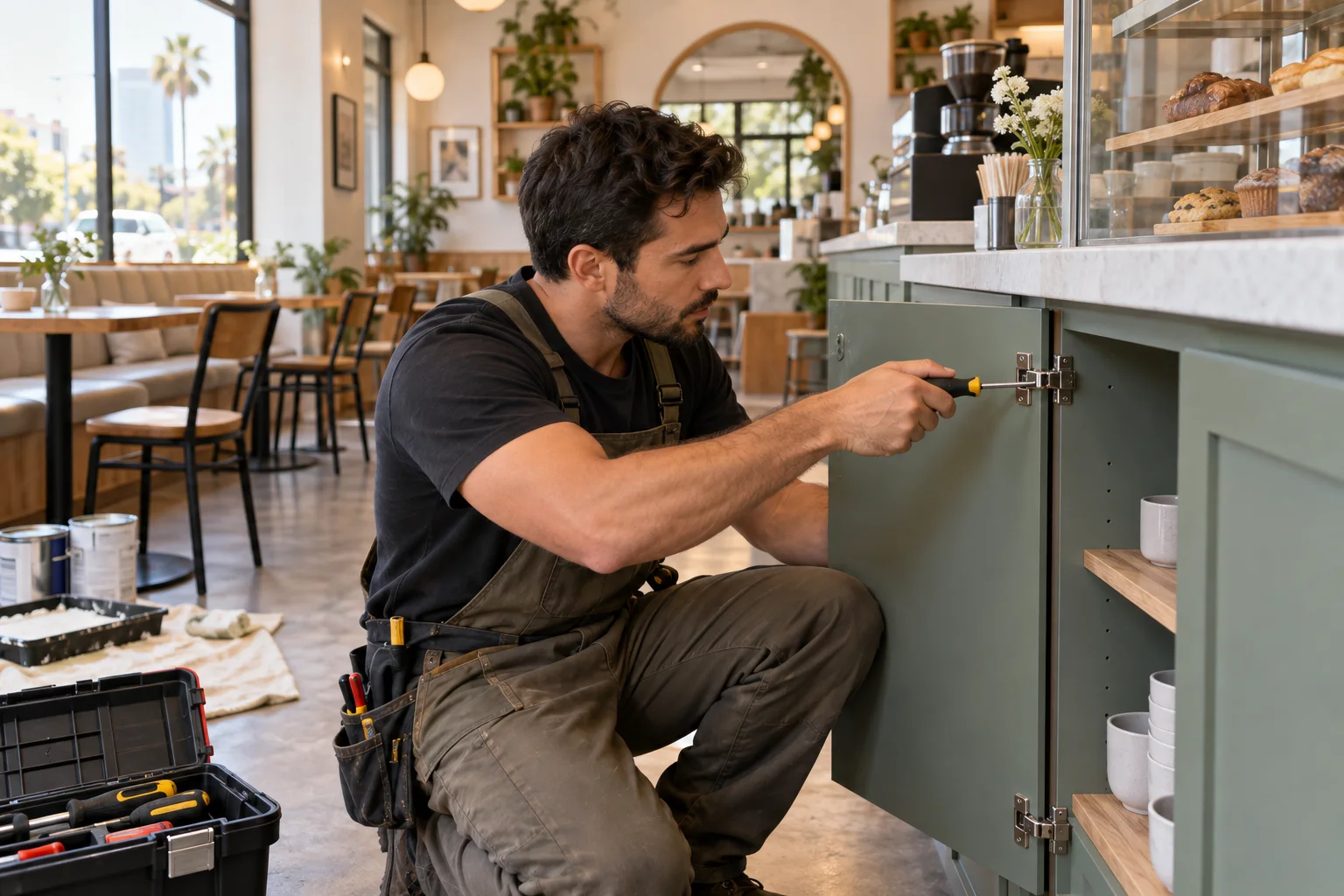 HandymanPatch, paint and small repairs after the install.Visit Handyman
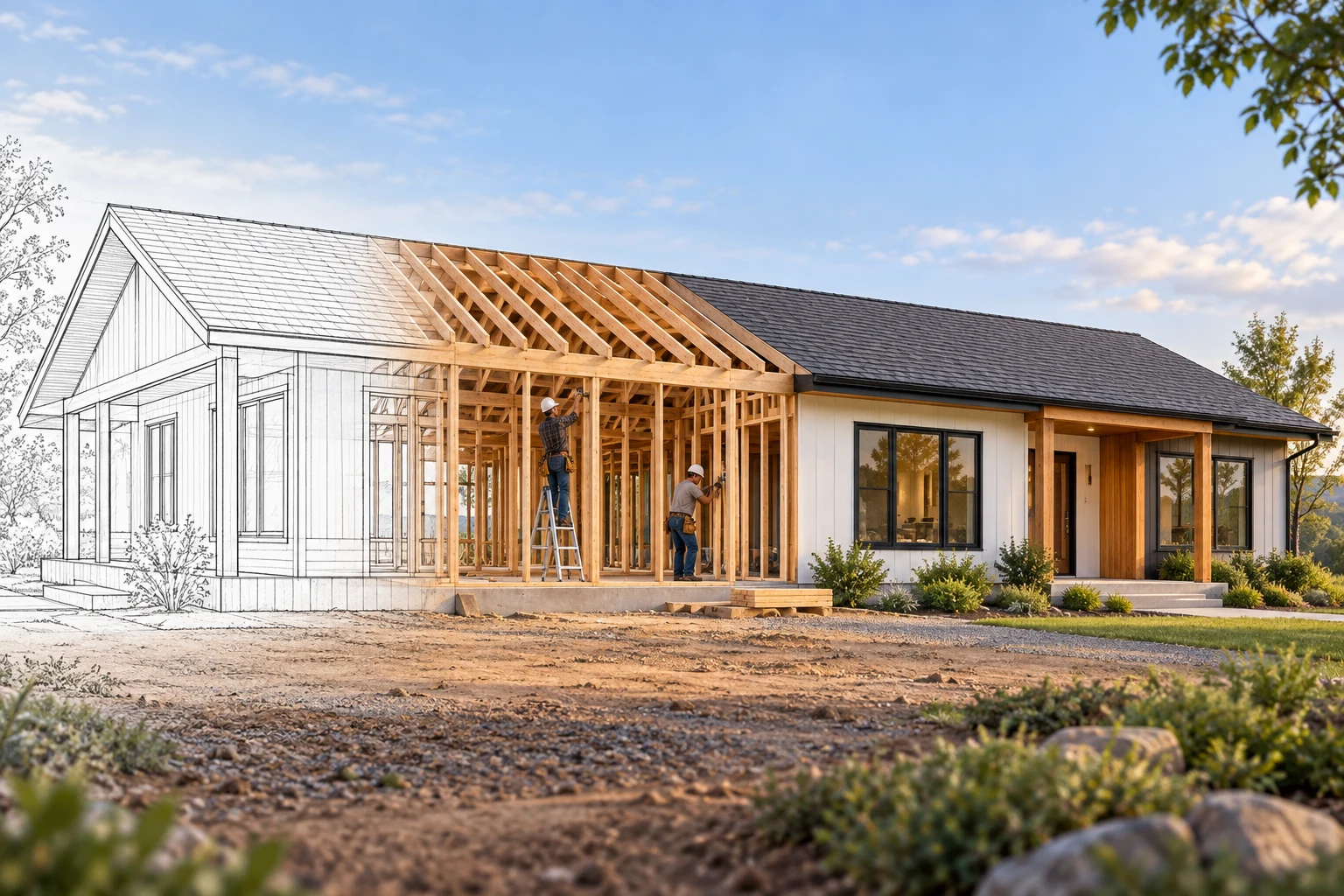 Chain ConstructionRemodels and new homes, with the wiring planned in.Visit Chain Construction
 Furniture & materialsFurnish a whole home or business, made to order.Visit Whole-property sourcing
Related-service images are concept illustrations.